Harness Engineering for Coding Agents: The Operational Workflow
Harness engineering applies the context engineering framework to the actual coding-agent workflow — feature intake, story packets, agent execution, validation, review, and decision recording.
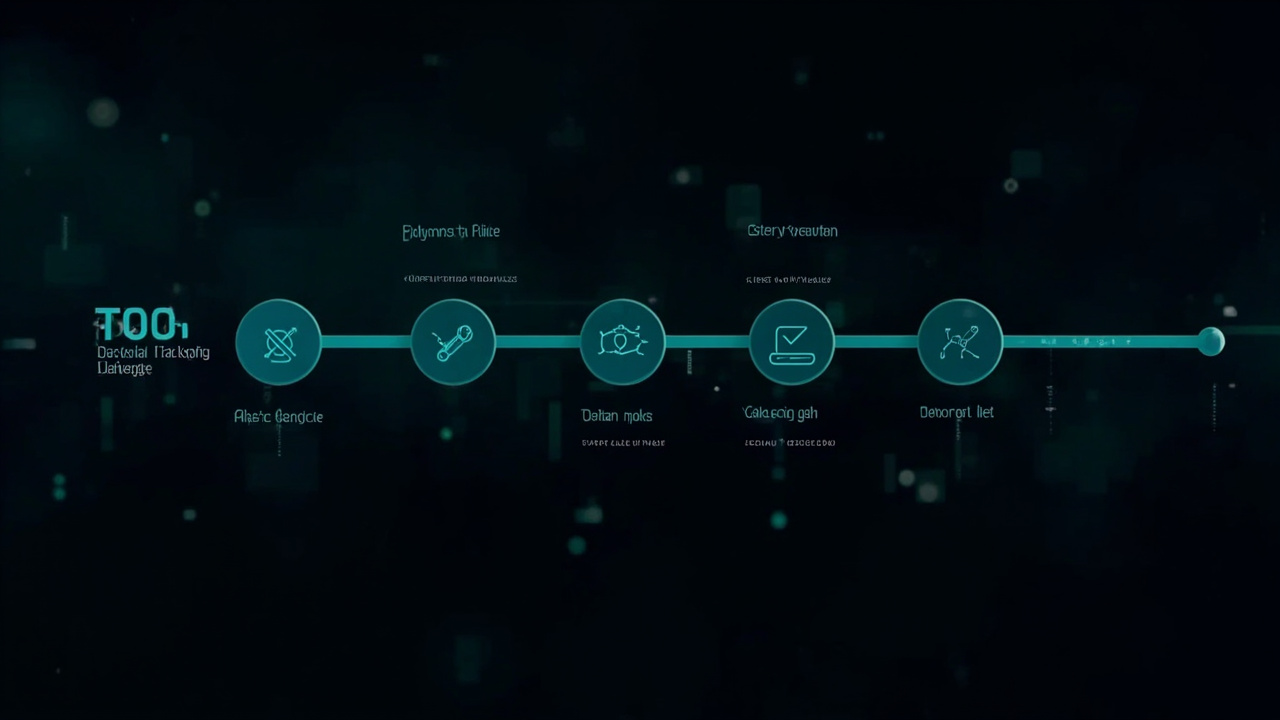
Harness Engineering for Coding Agents: The Operational Workflow
Context engineering gives coding agents durable repository context. Harness engineering applies that same principle to the operational workflow — the steps between receiving a task and handing back a change.
Where context engineering asks “what does the repo know?”, harness engineering asks “what process makes an agent’s output reliable and reviewable?”
This distinction matters because knowing the repo is not enough. Agents need a structured path through a task.
The problem with unstructured task delivery
Most coding-agent sessions start with a prompt like:
“Add a user profile page with avatar upload.”
That is task context at layer 1 — useful, but not enough for a reliable outcome.
The agent has to figure out:
- What files to create or modify
- What the acceptance criteria actually are
- What “done” means for this specific change
- Which validation commands apply
- What not to touch while building
Without a structured task format, the agent infers all of this. Sometimes it infers correctly. Often it does not — and the human reviewer discovers the gap only after the agent has handed back work.
Harness engineering makes that process explicit.
The harness workflow, step by step
Step 1 — Feature intake
Before the agent receives anything, the task is captured in a structured format.
## Feature: User avatar upload

**Problem being solved:**
Users currently have no profile picture option. This creates friction
in community features that depend on visual identification.

**User outcome:**
A user can upload a JPEG or PNG avatar (max 2MB) from their profile
settings page. The image is resized to 200×200 and stored in S3.

**Relevant files:**
- `src/pages/profile.tsx` — existing profile page
- `src/components/Avatar.tsx` — existing avatar component
- `src/api/avatar_upload.py` — new endpoint to create
- `infra/s3.tf` — S3 bucket configuration

**Constraints:**
- Do not modify the auth layer.
- Do not change the existing Avatar component interface.
- Avatar upload must work without page reload.

**Acceptance criteria:**
- [ ] Upload succeeds for valid JPEG/PNG under 2MB
- [ ] Upload fails cleanly with descriptive error for files > 2MB
- [ ] Upload fails cleanly for non-image file types
- [ ] New avatar displays immediately after upload without page reload
- [ ] `npm test -- --testPathPattern=avatar` passes
- [ ] `npm run typecheck` passes
- [ ] No new console errors in browser

**Validation commands:**
`npm test -- --testPathPattern=avatar && npm run typecheck && npm run build`
This is not a long document. It is a shared agreement about what the agent should produce.
The agent reads this instead of inferring scope. The reviewer evaluates against acceptance criteria instead of guessing what “done” means.
Step 2 — Story packet activation
The feature intake becomes a story packet — a focused, bounded unit of work the agent can reason about in a single session.
Story packets share a common structure:
## Story packet

**What to build:** [one sentence]
**Why it matters:** [one sentence]
**Where to work:** [specific files and directories]
**What to validate:** [exact commands]
**When to stop:** [acceptance criteria checklist]
**What not to touch:** [specific boundaries]
The agent works from the story packet, not the raw prompt. This is the harness’s most important function: it replaces a vague ask with a reviewable specification.
Step 3 — Agent execution
The agent reads the repository context (AGENTS.md, architecture notes, decision records), then executes the story packet.
During execution, the agent is expected to:
- Check relevant files before modifying them
- Run validation commands before reporting completion
- Flag anything that blocks progress before changing direction
- Ask a human before touching a safety boundary
The agent does not need to be told these things every time — the AGENTS.md and story packet encode them.
Step 4 — Validation gate
Before handing back work, the agent runs the exact validation commands from the story packet.
If checks fail, the agent fixes the failure and re-runs. No human review until the validation gate passes.
This shifts review burden from “did the agent produce something plausible?” to “does the validated output meet the acceptance criteria?” — a much faster human review.
Step 5 — Human review and decision recording
The human reviews the validated output against the acceptance criteria.
If something is wrong that the harness should have prevented, the gap becomes a harness improvement:
- The agent missed a validation step → add it to the story packet template
- The agent touched a file it should not have → add it to the safety boundaries in AGENTS.md
- The agent reopened a settled decision → add a decision record so future agents can see it
If the output is correct, the change merges. The harness does not need to change.
Step 6 — Decision recording
When a non-obvious choice was made during implementation, it gets recorded:
# Decision: Chose client-side avatar resize before upload

**Date:** 2026-05-28
**Status:** accepted

**Context:** Avatar uploads were triggering server-side timeout for large
files. Resizing on the client before upload avoids the timeout.

**Decision:** Resize in-browser using canvas before uploading to S3.

**Why:** Reduces server load, eliminates timeout edge cases, provides
instant feedback in the browser.

**What would reopen this:** A demonstrated need for server-side thumbnail
generation with multiple resolution variants.
Decision records are the Layer 4 context that makes future agents smarter. Without them, every new agent potentially repeats the same exploration that led to the original decision.
How this connects to the content cluster
This workflow depends on the agent-ready repository foundation:
- Repo context (AGENTS.md, architecture notes) → gives the agent the map to work within
- Decision records → prevents agents from reopening settled questions
- Story packets → replaces vague prompts with reviewable specifications
- Validation matrix → gives agents exact commands for each change type
- Harness workflow → structures the task delivery and review process
Together these form a complete system: the repo knows what it is, the harness knows how work flows through it.
The guide to OpenAI harness engineering for any repository translates the agent-first framing—environment design, intent specification, tools, and feedback loops—into a vendor-independent implementation that works beyond Codex.
The repository harness pattern language breaks this system into nine reusable patterns for routing, task boundaries, source-of-truth control, decision memory, validation, handoff, checkpoints, and safe recovery.
When to use this workflow
Not every task needs a full story packet. The harness scales:
| Task size | Story packet | Decision records | Validation gate |
|---|---|---|---|
| Docs fix | Lightweight | Not needed | Lint only |
| Small component change | Standard | Not needed | Unit tests |
| Feature with new API | Full story packet | Record non-obvious choices | Full suite |
| Architecture change | Full story packet + review step | Required | Full suite + human sign-off |
The investment in process matches the risk and scope of the change.
Start with one story packet
You do not need a complete harness before seeing results.
Pick one task. Write one story packet with:
- What to build (one sentence)
- Where to work (specific files)
- What “done” looks like (acceptance criteria)
- Exact validation commands
Run it with a coding agent. Watch whether the output is more focused, more reviewable, and closer to what you expected.
If yes, write the next story packet with slightly more structure. The harness grows from real tasks, not from templates applied in advance.
FAQ
What is the difference between harness engineering and context engineering?
Context engineering is the foundation — it makes the repository legible to agents. Harness engineering is the operational layer — it structures how work enters, flows through, and exits the repo. You need both: context engineering answers “what does the repo know?”, harness engineering answers “what process makes agent output reliable?”
Does harness engineering require a specific tool or framework?
No. Story packets, decision records, and validation matrices are just Markdown files. The workflow is tool-agnostic. You can start with a shared Google Doc or a folder of .md files and move to a more structured system later.
How is this different from agile or sprint planning?
Sprint planning organizes work for humans. Harness engineering structures work specifically for AI coding agents — the delivery format, validation criteria, and review process are designed around agent capabilities and failure modes, not human workflow preferences.
When should I skip the story packet?
Small, low-risk changes — a docs fix, a small CSS adjustment, a typo correction — do not need a full story packet. Use a lightweight note instead: what to change and which file. The harness scales with the stakes of the change.
How do I know if the harness is working?
Measure: are agent outputs more focused? Fewer rework cycles? More reviewable diffs? If agents keep needing the same clarification repeatedly, that is a signal the harness needs more context for that class of task.
Does harness engineering replace code review?
No. Human review is still required for every change. The harness makes agent output easier to review — more focused diffs, clear acceptance criteria, documented decisions — but humans still decide whether to merge.
Related pages
- OpenAI Harness Engineering Explained — translate the agent-first framing into a vendor-independent repository system
- Repository Harness Patterns — nine composable patterns for reliable agent work
- Context Engineering for Coding Agents — the parent pillar page
- What Is an Agent-Ready Repository? — foundational concept
- AGENTS.md Template — copy and adapt the operating file
repository-harnesson GitHub — the open-source implementation
See also: Context Engineering for Coding Agents — the foundational framework. What Is an Agent-Ready Repository? — the repo-level checklist. How to Write AGENTS.md That Actually Works — the repo instruction template.